As an Amazon Associate, this website earns from qualifying purchases.
The short answer
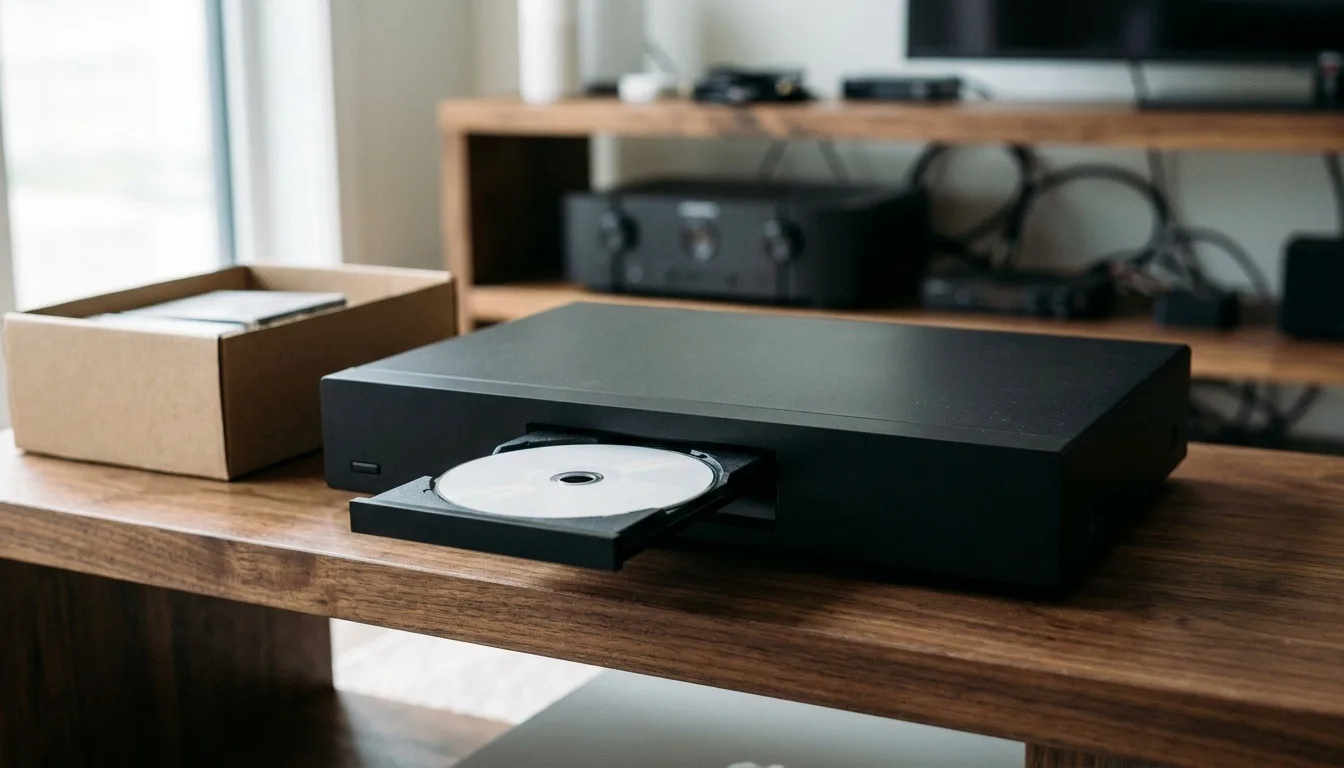
Playing a DVD in blu ray player works on every standard consumer Blu-ray player sold today. The picture upscales but does not gain real detail. A handful of very old burned or region-locked discs are the only real exception.
Playing a dvd in blu ray player is one of the most common questions new Blu-ray owners ask. It usually comes up right after they realize their old DVD collection is not going anywhere.
#1. Sony BDP-S1700U Blu-ray Player: best budget Blu-ray for DVDs
Factors to consider when choosing a Blu-ray player for your DVDs
Why dvd in blu ray player compatibility exists at all
The Blu-ray format was built with DVD backward compatibility as a core requirement. It was never an optional feature. Every licensed Blu-ray player must support standard DVD playback to carry the Blu-ray logo. That is why you never see a Blu-ray player marketed as DVD-incompatible.
What happens to picture quality with a dvd in blu ray player
A DVD stores standard-definition video. A Blu-ray player cannot change that stored resolution. What it can do is upscale the image to better fill a large HD or 4K screen. Upscaling smooths and sharpens the picture somewhat. It does not recover detail the DVD never had in the first place.
Some players do a noticeably better job of upscaling than others, even though none can add real detail. A better player can make a DVD look cleaner on a big screen. That holds even with the exact same disc.
Burned discs and where compatibility gets shaky
Pressed, retail DVDs play reliably across nearly every Blu-ray player on the market. Burned DVD-Rs are a little less consistent. Disc quality and burning software both affect how well a player reads the disc. If a personally burned DVD will not play, try a different brand of blank disc first. A slower burn speed also helps before you assume the player itself is at fault.
Region locking and imported discs
Most Blu-ray players sold in the US ship region-locked for Blu-ray discs specifically. DVD region locking works a little differently and gets enforced less strictly across the industry. Still, an imported DVD from another region can occasionally fail to play on a US player. If you buy import titles regularly, a region-free player removes this risk entirely.
Older or damaged discs in a blu-ray player
A scratched or damaged DVD can fail to play on any player, Blu-ray or otherwise. The issue sits with the disc surface, not the player's format support. A player with a stronger laser assembly may read a moderately scratched disc that an older or cheaper player cannot. A badly damaged disc is a lost cause regardless of player quality though.
Why some people still keep a DVD-only backup player
DVD playback in a Blu-ray player works reliably. Even so, some collectors keep an old DVD player as a backup for a fussy disc. This is more about having a second reader on hand than any real compatibility gap. It is not a step most buyers need to take.
Cleaning a disc before you assume the player failed
Before blaming the player for a DVD that will not play, check the disc itself for smudges or dust. Wipe with a soft, lint-free cloth in straight lines from the center out. That clears most grime that trips up the laser. Skip household glass cleaners, since some contain chemicals that can damage the disc coating over repeated use.
Firmware updates and disc compatibility
A Blu-ray player's firmware controls more than just streaming apps and menus. It also governs some disc-reading behavior. This matters most for newer disc formats released after the player itself.
Keeping firmware current can resolve a small number of playback quirks. This applies when the manufacturer offers an update, and it usually affects only certain discs. Check the manufacturer's support page for your exact model. Do this before you assume a disc issue is permanent.
Sound output when playing a dvd in blu ray player
Audio on a DVD is typically stereo or basic surround sound, well below what a Blu-ray disc can carry. A Blu-ray player still sends that DVD audio out cleanly over HDMI or optical. You lose nothing on newer hardware. The audio ceiling comes from the disc itself, not from any limitation in the player.
HDMI cable quality and dvd in blu ray player playback
A DVD's resolution sits well below what any modern HDMI cable can carry. Cable quality makes essentially no difference to a DVD's picture on a Blu-ray player. A basic HDMI cable performs the same as an expensive one for DVD content. Save any cable upgrade spending for 4K content instead, where bandwidth actually becomes a real factor.
What to do if a specific title never plays right
If one specific DVD causes trouble across multiple players, the disc itself is the more likely problem. Your equipment is probably fine. A pressing defect or a scratch invisible to casual inspection can affect one disc.
An identical copy can still play fine elsewhere. Try a different copy of the same title first. Borrow or rent one before you assume your hardware needs replacing.
Dual-layer DVDs and playback quirks
A dual-layer DVD, common for longer films, has a brief pause partway through as the player switches layers. This is normal behavior on any player, Blu-ray included, and it is not a sign of a problem. Some cheaper players pause a little longer at the layer switch. The disc is still working as intended.
Menu navigation differences on a Blu-ray player
DVD menus were built around a simpler, less flexible navigation system than modern Blu-ray menus use. A Blu-ray player renders DVD menus exactly as they were authored, with no added polish or redesign. If a DVD's original menu felt clunky when it was new, it still feels clunky today. The player simply displays what is already on the disc, nothing more.
Verdict on playing dvd in blu ray player setups
Playing a dvd in blu ray player works on every standard consumer Blu-ray player sold today, with no special setup required. The picture upscales but does not gain real detail beyond what the DVD originally captured. A handful of very old burned or region-locked discs are the only real exception worth watching for.
FAQ
Will every Blu-ray player play a DVD?
Yes. Every consumer Blu-ray player sold as a home player supports standard DVD playback as part of the format specification.
Does a DVD look better on a Blu-ray player?
The player can upscale the image for a sharper look on a large screen, but it cannot add detail the original DVD never captured.
Can a Blu-ray player fail to read a DVD?
Rarely, and usually only with a poorly burned disc, a scratched disc, or an imported disc locked to a different region.