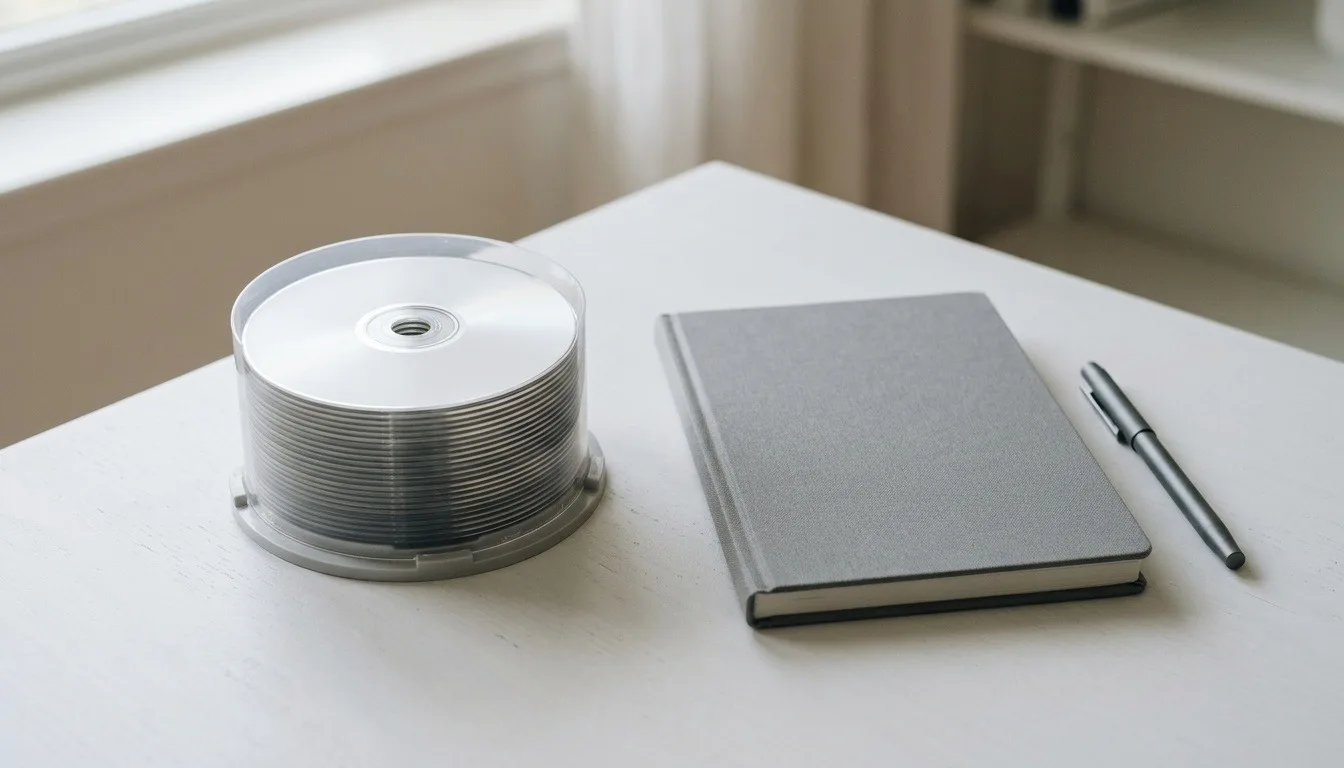
5 Best Blu-ray Blank Disc Packs: BD-R, BDXL and M-DISC in 2026
As an Amazon Associate, this website earns from qualifying purchases.
The short answer
For most backups, 25GB single-layer BD-R discs are the simple choice. Step up to 50GB dual-layer or 100GB BDXL for large files, but only if your drive supports them. Choose M-DISC for long-term archives and BD-RE for discs you plan to reuse.
Buying blu ray blank discs is simple once you match three things: the capacity you need, whether you want to write once or reuse, and what your drive can handle. Get those right and the rest is picking a pack size.
BD-R can be written once. After that the data is fixed.
BD-RE can be erased and rewritten, like a reusable USB stick on a disc.
Within each family, capacity grows with the number of layers:
Single layer: 25GB
Dual layer (DL): 50GB
Triple layer (BDXL): 100GB
Quad layer (BDXL, BD-R only): 128GB
For scale, a 25GB disc holds more than five DVDs' worth of data. A 100GB BDXL disc holds four times that again.
Which capacity to buy
25GB single layer suits most backups and home video. The discs are widely available and work in every Blu-ray burner.
50GB dual layer halves the number of discs for large projects. Most current burners write them.
100GB BDXL is for big archives, such as a full photo library on one disc. It needs a BDXL drive. Our highest capacity Blu-ray disc guide covers BDXL in depth.
Before you buy large packs of 50GB or 100GB discs, confirm your drive lists that disc type. A drive that cannot write BDXL cannot use those discs at all.
BD-R or BD-RE?
Choose BD-R for anything you want to keep as is, such as a finished backup or an archive. Once written, the data cannot be changed by accident.
Choose BD-RE for work in progress or regular backups you overwrite. Verbatim, for example, says its BD-RE discs can be rewritten up to a thousand times.
Most people use mostly BD-R, with a few BD-RE discs for rolling backups.
M-DISC for long-term archiving
M-DISC is a type of recordable disc made for archiving. Verbatim describes its M-DISC Blu-rays as having data "engraved" into a rock-like layer built to resist light and heat. Verbatim markets them for very long lifetimes.
M-DISC blanks cost more than standard BD-R. They also need a burner that lists M-DISC support. For irreplaceable files, like family video, they are worth a look. For a quick copy you will replace next year, standard BD-R is fine.
Write speed and disc quality
Blank Blu-rays list a maximum write speed, such as 4x, 6x or 16x. Verbatim notes that 6x Blu-ray records at up to 216 Mbps and 4x at 144 Mbps. Your drive and the disc both cap the speed, so the slower of the two wins.
Faster is not always better for archives. Many people burn important discs at a moderate speed. After burning, use your software's verify option to check the disc reads back cleanly.
Printable versus branded surfaces
Some blanks have a white inkjet-printable surface. You can print a label on them with a printer that supports disc printing. Others have a branded top with space to write by hand.
Use a marker made for discs if you write on them. Avoid stick-on paper labels, which can peel or throw a disc off balance in the drive.
Storing burned discs
Keep burned discs in cases or sleeves, upright and out of direct sunlight. Heat and light are the enemies of any recordable disc. Label each disc with its contents and the date you burned it.
For most people, blu ray blank discs should start with 25GB BD-R. Move to 50GB or 100GB BDXL only when your drive supports them and your files need the room. Pick M-DISC for archives that must last, and BD-RE for backups you plan to overwrite.
FAQ
What is the difference between BD-R and BD-RE blank discs?
BD-R discs can be written once. BD-RE discs can be erased and rewritten many times. Use BD-R for permanent backups and BD-RE for files you update often.
Will 100GB BDXL blank discs work in any Blu-ray burner?
No. BDXL discs need a drive that lists BDXL support. A standard Blu-ray burner can write 25GB and 50GB discs but not BDXL.
What is M-DISC?
M-DISC is a disc type made for long-term archiving. Verbatim's M-DISC Blu-rays say the data is engraved into a rock-like layer. You need a drive that lists M-DISC support to write them.
Can I play a burned blank Blu-ray in a home player?
Often, yes, if the disc is written in a format the player supports. Check the player's listing for BD-R and BD-RE playback before you rely on it.