Choose the BOIFUN BFN-161 for a large built-in screen, the smaller DBPOWER PD928 for travel, or the DBPOWER ZC-06 when its documented AV input and output fit a wired setup. Check screen size separately from the size in a product title.
The best portable DVD player depends on where the screen will sit. A large display helps on a table, but it can be awkward in a small bag. For these three picks, choose the viewing job first and the advertised size second.
BOIFUN's BFN-161 is our large-screen choice. The DBPOWER PD928 fits a smaller travel setup. The DBPOWER ZC-06 is the alternative to check when AV input and output are part of a wired viewing plan. These are DVD choices; an HD display is not a Blu-ray disc drive.
How we picked these portable DVD players
We checked maker pages for the model names, screen claims, power options, file limits and AV connections. We then compared the jobs those specifications can do.
The ranking separates a large-screen setup from a more compact travel setup. It also gives the ZC-06 a specific reason to be here: DBPOWER describes how its AV input and output can work in a wired arrangement. A larger number in a shop title, a customer score or an unsupported “HD” claim did not decide the order. Read the stated limits before choosing a model for your own discs.
1. BOIFUN BFN-161: best for a larger viewing screen
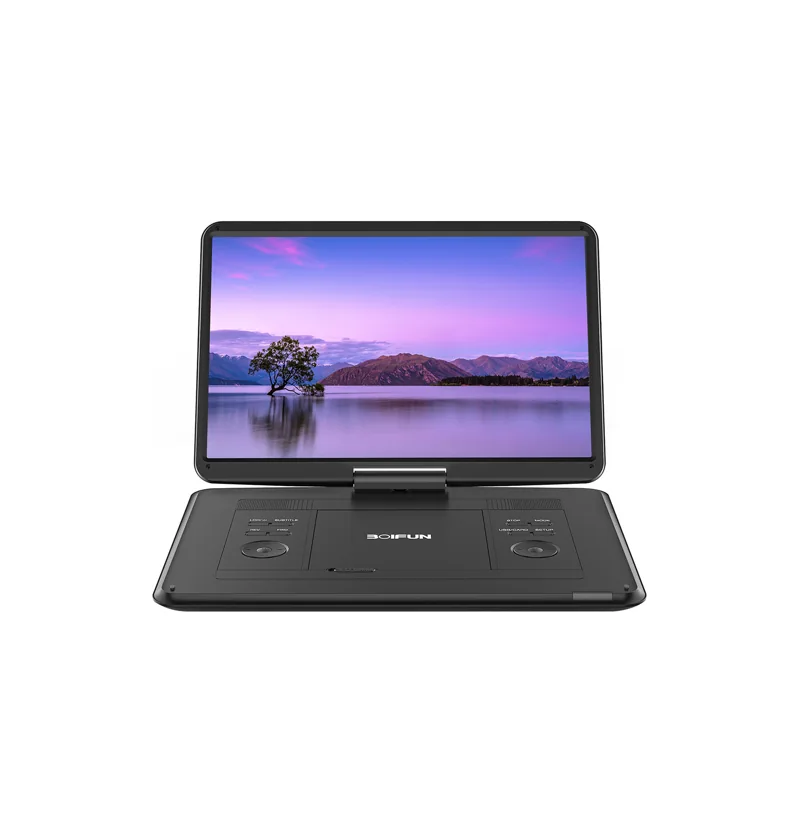
The BFN-161 makes the most sense when screen area matters more than the smallest case. BOIFUN lists a 15.6-inch 1280 by 800 display, a swivel screen and a 5000 mAh battery. Its page rates playback at up to six hours.
There is an easy size trap here. The same page refers to a 17.5-inch bezel size. That is not a 17.5-inch display. Compare the 15.6-inch screen measurement when deciding how large the picture will be, then use the case dimensions to decide whether it fits your bag or table.
This is still a DVD player. BOIFUN explicitly says it does not play Blu-ray discs. A screen with more pixels cannot give the drive another disc format. That distinction matters if the film collection you plan to take away includes both DVD and Blu-ray editions.
The page also lists USB and SD playback up to 32 GB. Check the listed file formats rather than assuming that any file on a small card will work. The display's resolution and the file decoder's limits are separate checks.
Pick it if: you want a larger built-in screen for a table or a shared viewing position.
Pass if: the main need is a smaller travel case or Blu-ray disc playback.
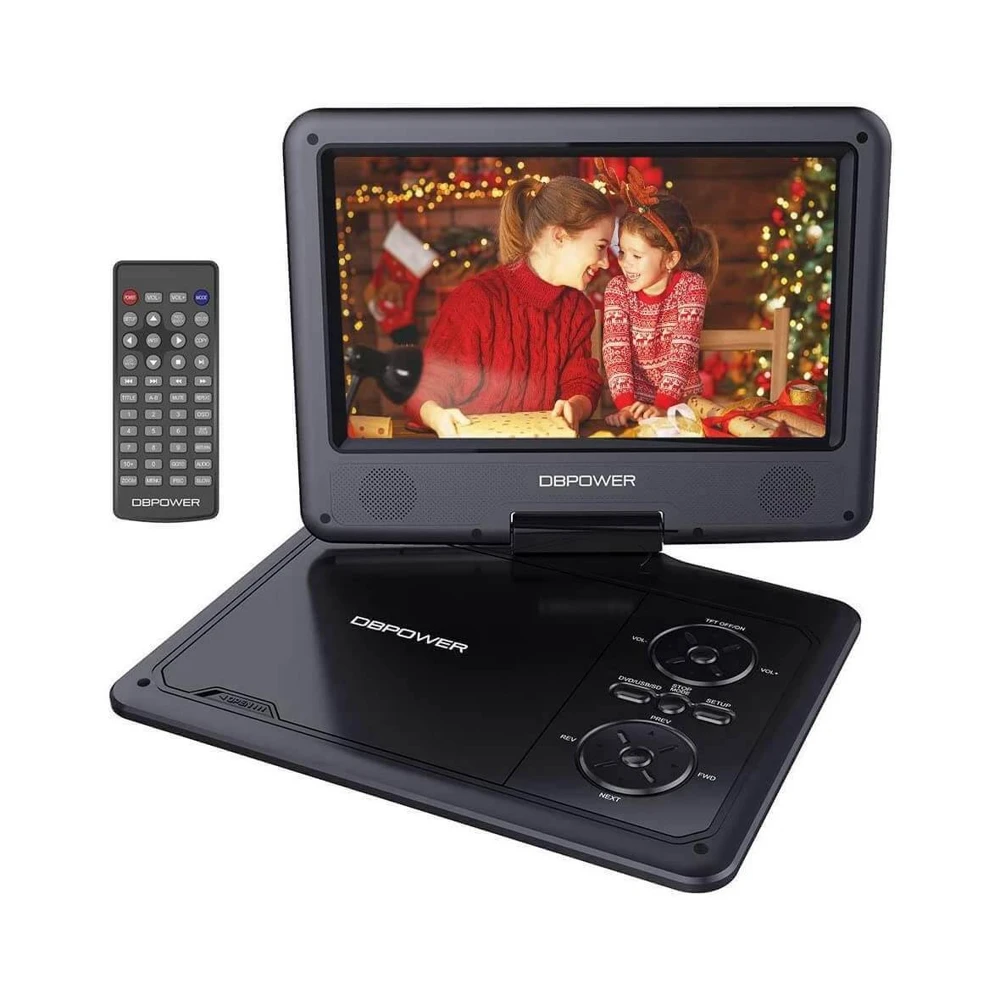
The PD928 is the compact option in this comparison. DBPOWER's page lists a last-memory setting, USB and SD playback, plus battery, car-adapter and mains power routes. The maker rates its battery playback at up to five hours. The useful question is whether that smaller setup fits the way you travel.
Last memory can be helpful when you stop a disc halfway through a film. DBPOWER says to turn that setting on in the setup menu. That is more specific than assuming that every stop or power cycle will behave the same way. Read the manual and check it with a disc before taking the player away.
The maker describes AV input and output uses as well as USB and SD playback up to 32 GB. Its listed video-file formats have their own resolution limit. Do not read a file list as a promise that high-resolution files from a phone or camera will play unchanged.
DBPOWER also says this model does not play Blu-ray. Choose it for a DVD travel collection, not as a small replacement for a Blu-ray home theater. A familiar clamshell design does not tell you which kinds of discs the drive can read.
Pick it if: a smaller player and several power options fit your travel routine.
Pass if: you need a larger screen or have not checked the format of your discs.
3. DBPOWER ZC-06: best for a planned wired AV setup
AV input and output for compatible wired equipment
Keep in mind: AV linking needs a suitable cable; do not assume HDMI or Bluetooth
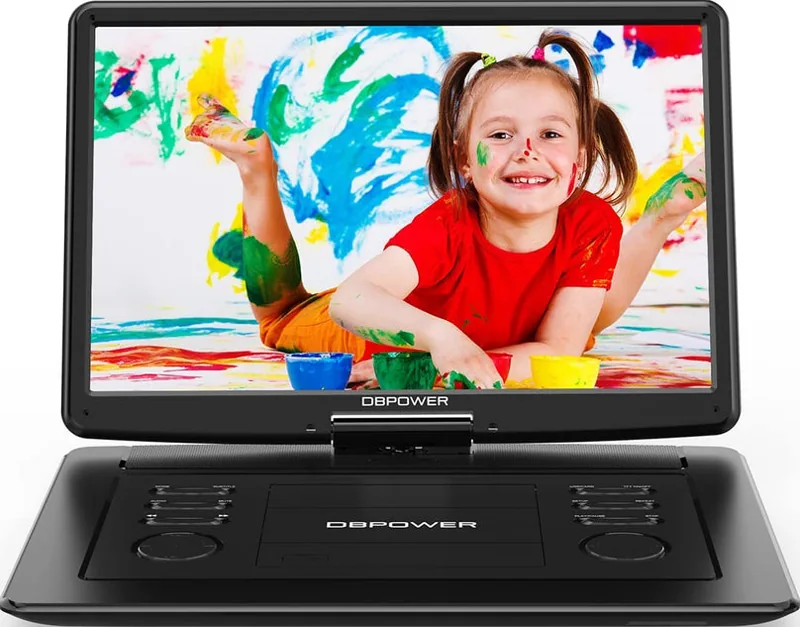
The ZC-06 is another large-screen option, but its reason to be here is the wired connection plan. DBPOWER lists a 15.6-inch 1280 by 800 screen and explains both AV-OUT and AV-IN use. Its page describes linking two compatible players with an AV-to-AV cable, which is not included.
That can matter when you already have equipment with matching AV sockets. One unit plays the disc and sends the picture to another compatible unit. Check the actual instructions for both devices before buying a cable or a second screen. The fact that two products have similar small round sockets does not prove their wiring matches.
The maker rates the ZC-06 at up to six hours of battery playback. The page lists a 5000 mAh battery and included power accessories. Confirm the contents of the exact package you order, especially if it is used or sold as an open-box unit.
USB and SD files are limited by the maker's format list and capacity limit. For an everyday DVD trip, the disc tray may be the simpler route. Test any files you plan to use before leaving. That is easier than finding a file limit when no other screen is available.
Pick it if: the large screen and documented AV input/output match a specific wired plan.
Pass if: you expect wireless screen sharing, HDMI or an included linking cable without checking.
How to choose the best portable DVD player for your trip
Compare the screen, then the case
Use the display diagonal when comparing picture size. Use the full case dimensions when checking a bag or a mounting position. Keeping those two measurements separate prevents a large product-title number from doing both jobs in your mind.
For example, two players may both use a 15.6-inch screen while their overall cases have different advertised sizes. Neither title tells you how much space the open lid needs. Check the hinge position and the depth of the base as well as the closed dimensions.
Think about the viewing distance too. A large screen on a table can suit two people sitting nearby. The same player may be too wide for a small tray or awkward to hold. If one person watches close up, a smaller unit may solve the job with less bulk.
Match the discs you will pack
Take out a few of the actual discs before buying. Read the format labels on the discs themselves. A player for standard DVDs is not a safe choice for a shelf that turns out to contain mostly Blu-ray releases.
Check region coding for imported films. A claim of region-free DVD playback does not automatically describe Blu-ray regions, and a player that cannot read Blu-ray has no Blu-ray region function to check. Keep the disc-format question first, then check the regional details for the format the player can read.
Recorded discs need a further check. Confirm the type of writable disc and the way you created it. A commercial DVD working in the tray does not prove a home-recorded data disc with video files will work too. Test a few representative discs while you can still use the return terms.
Plan power around the real viewing time
Compare the maker's stated runtime with the length of the film and the way you will use the screen. Do not turn an “up to” figure into a guaranteed number of films. The age of the battery matters when buying used, and the settings in your own test may differ from the maker's test conditions.
If a car adapter is important, confirm it is in the exact package. A used player may come with only a mains adapter. Check the correct power-supply specification in the manual rather than using another adapter just because its plug fits.
A mains-powered setup at a holiday house is a different job from several hours of battery viewing. If a socket will always be nearby, do not let the longest claimed runtime outweigh a screen size or connection that fits the job better.
Check the audio route before buying headphones
Read the model's audio connections. A wired headphone socket, AV output and Bluetooth transmitter are different functions. Do not infer wireless-headphone playback from a generic “Bluetooth” claim somewhere on a shopping page.
For a quiet seat or shared room, check the headphones with the player itself. Confirm the plug fits the intended audio socket and that you can reach a comfortable volume. If two people need to listen, plan that connection rather than assuming every player includes two independent headphone outputs.
Choose an audio route you can verify with the actual equipment.
Check files before treating USB as a backup
A USB socket can be useful, but it has several limits. The device must read the storage format and capacity, then decode the video and audio inside each file. A listed filename extension is only one part of that check.
DBPOWER's pages list specific video formats and a maximum file resolution. BOIFUN also provides a format list and a 32 GB limit. Use those lists to prepare a short test file. Confirm both picture and sound before copying a large library to the card.
For example, a file might show a picture while its audio format fails. That is different from a USB drive the player cannot detect at all. Testing a small sample tells you which part to check without filling the entire card first.
Connect another screen only when the ports match
AV output sends a signal out. AV input receives a signal from another device. A player needs the correct direction for the job you want. Those labels are small but they decide whether a linking cable can do anything useful.
DBPOWER's linking instructions are an example of a documented route. They describe one player in DVD mode sending its signal to a second unit in AV mode. Follow that model-specific route and check the required cable. Do not assume the same instructions apply to another brand's socket.
Also keep a built-in screen separate from a TV output. A portable can show a film on its own screen while offering no HDMI output to your TV. If the main job is a fixed television, a home player from the disc-player comparison may be the cleaner choice.
Check the destination screen's inputs too. A connection requires compatible equipment at both ends. Buying a cable with the right-looking plugs cannot add a missing input function to a player or turn an analogue signal into HDMI by itself.
Check a portable player before you travel
Run a short trial using the discs and power route you plan to use away from home. It is more useful than testing with a different disc and assuming the rest will follow.
Load a film and use the controls you will need during the trip. Try chapter selection and pause. Stop the disc, then check what the last-memory setting does on that model. Make sure the remote works at the distance and angle your seating allows.
Next, check the screen position. Open and rotate it only within the maker's stated range. Confirm the lid can sit at the angle you need without pressing against another object. A player that fits a bag when closed may need much more room when open.
Try the controls on the player itself as well as the remote. In a small travel bag, a remote can be easy to misplace. Check that the actions you need most are available on the base, and keep the remote for menu tasks the base cannot perform.
Try the chosen headphones or AV connection during the same trial. If another screen is part of the plan, connect that screen now. A working disc tray proves nothing about a cable route you have not tested.
For a used unit, ask for a battery demonstration as well as mains playback. A player can work from its adapter while its battery no longer lasts long enough for your use. A “powers on” description is not a battery-runtime measurement.
Decide whether two people need the same film
Screen sharing and independent playback are different buying jobs. In a wired AV link, one player can send its film to another compatible screen. That does not mean the two viewers can choose different films from the same disc drive.
If both people want the same film, check the documented linking route and the cable it needs. The ZC-06 page describes a source unit in DVD mode and a receiving unit in AV mode. The second screen follows the signal from the first. Confirm that the equipment you already own can receive that signal before buying another unit.
If the viewers want different films, plan for independent playback instead. Each viewing position needs its own suitable source and audio route. A larger shared screen does not solve that request, and a cable cannot turn one disc into two separate viewing choices.
Think about who will use the controls as well. A remote pointed at a receiving screen may not control the disc in the source player. Read the instructions for the actual link rather than assuming that every button works through the connection.
This is a good example of why a “dual screen” shopping phrase needs checking. It might describe a package with one disc drive and another screen, or it might describe separate players. Read the package contents and connection instructions before comparing the bundle with a single portable player.
For a table shared by two people, one larger screen may be enough. For two separate seats, the layout may call for a documented second-screen route. Decide which arrangement you need first. Then compare the total equipment and cables, not just the headline screen measurement.
Keep the purchase focused on the viewing job
Choose a smaller player if the bag and personal viewing position are the main constraints. Choose a larger screen when it has a stable place to sit and someone will watch from farther away. Check AV linking only when you actually need another screen.
That order also helps you avoid buying extras on a vague promise. Confirm the mount, cable or power accessory against the actual model instructions before adding it to the order. The name of a screen size alone does not tell you which accessories fit.
A portable DVD player is useful because it carries the screen and disc drive together. It does not need to replace every function of a home system. If you need Blu-ray, a particular TV output or wireless audio, make that a separate format or socket check before choosing one of these DVD models.
Verdict: the best portable DVD player fits the seat and the discs
The BOIFUN BFN-161 is our first large-screen choice. For a smaller travel setup, check the DBPOWER PD928. The DBPOWER ZC-06 is worth comparing when its AV input and output fit a wired plan. The best portable DVD player is the one that fits your viewing space, reads your actual discs and has the power route you will use.
FAQ
Do portable DVD players play Blu-ray discs?
A portable DVD player does not gain Blu-ray playback just because it has an HD screen. Check the exact disc-format list. The BOIFUN BFN-161 and DBPOWER PD928 pages explicitly rule out Blu-ray. If that is your disc collection, start with a model that explicitly lists Blu-ray playback instead.
Does a 17.5-inch player have a 17.5-inch screen?
Not necessarily. Some titles use the overall player or bezel size, then list a smaller display diagonal in the specifications. BOIFUN's BFN-161 page distinguishes its 15.6-inch screen from a 17.5-inch bezel size. Compare the screen measurements themselves when choosing a viewing area, then check the case dimensions for packing.
Can two portable DVD players show the same film?
Only with a compatible connection and the correct input and output functions. DBPOWER describes AV linking for the ZC-06 using an AV-to-AV cable that is not included. Check the instructions for both units. Two screens in the same room do not automatically share a disc or a wireless connection.
Will a portable DVD player's battery last a whole trip?
Use the maker's runtime as a stated claim, not a promise for your journey. Screen settings and an aging battery can affect your result. Compare the trip with a demonstrated playback test if you can, and check the included car or mains power options before relying on battery playback alone.