
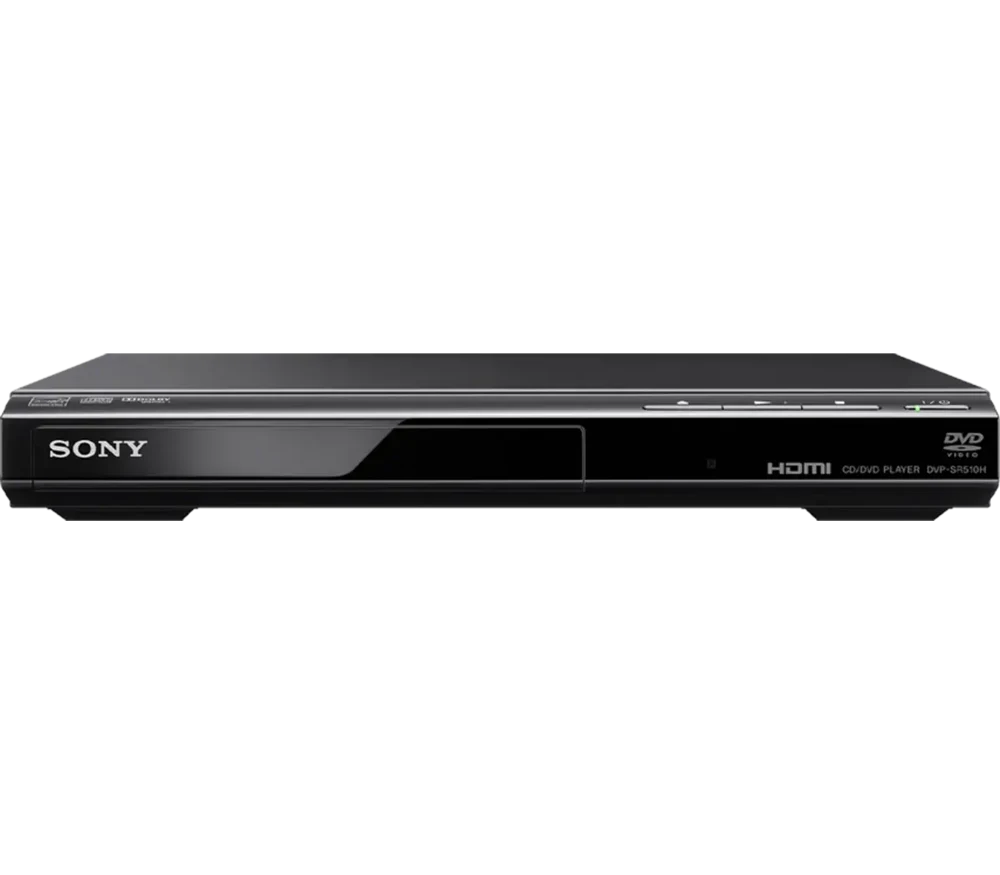
- DVD and CD playback
- HDMI output with 1080p DVD upscaling
- Multi-disc resume for DVD playback
Keep in mind: Does not play Blu-ray or Ultra HD Blu-ray discs
Players
We may earn a commission from some links on this page.
Sony DVP-SR510H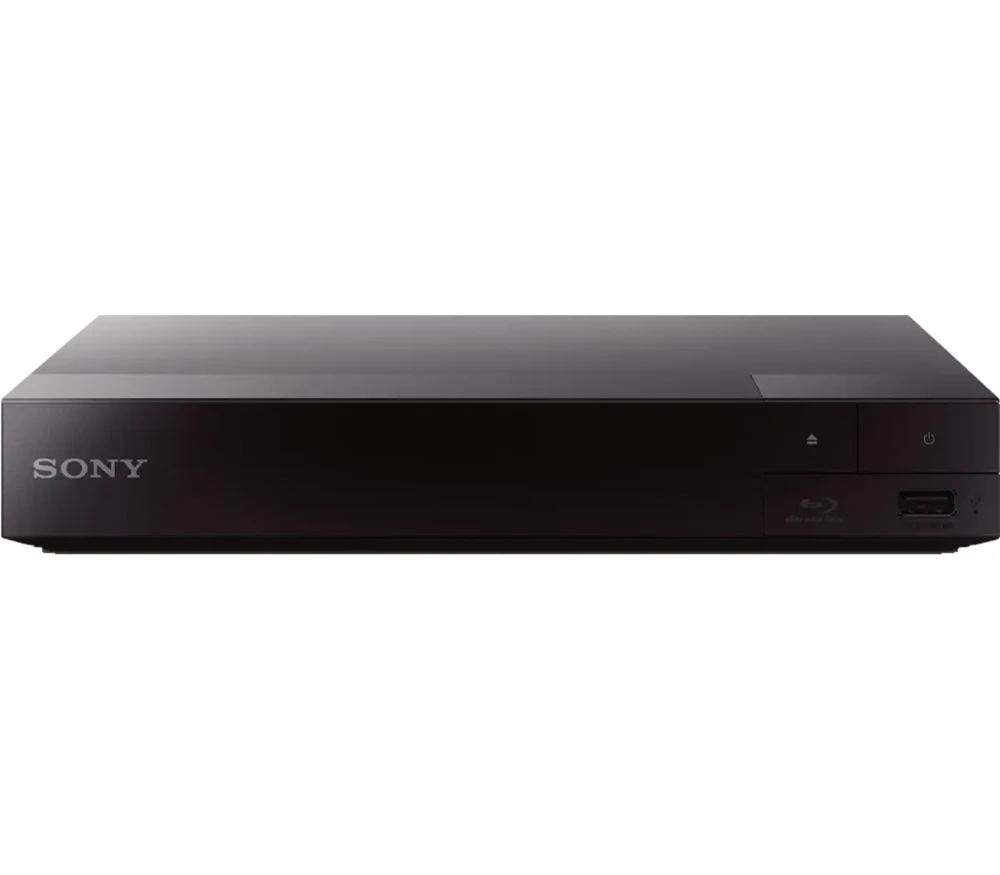 Sony BDP-S1700U
 Panasonic DMP-BD90P-K
The short answer
Choose the Sony DVP-SR510H for a DVD-only shelf and an HDMI TV. Choose the BDP-S1700U if Blu-ray discs are joining that shelf, or the Panasonic DMP-BD90P-K when compatible USB files matter too.
The best DVD player is the one that reads your discs and connects to your TV without an extra box. For a DVD-only shelf and a TV with HDMI, the Sony DVP-SR510H is our first pick. A Blu-ray player becomes the better buy when your shelf contains both formats.
These three choices solve different jobs. None is a 4K Ultra HD Blu-ray player. If that is the format you own, start with the player-type comparison before buying from this list.
We compared the makers' disc-format lists, TV connections and file-playback claims. We then gave each player a job that follows from those facts.
DVD playback alone was not enough to earn a place. Each choice needed a clear reason to pick it over the others. The DVP-SR510H keeps the job to DVD and CD. The BDP-S1700U adds Blu-ray, while the DMP-BD90P-K adds a useful route for the USB files Panasonic lists. Prices and customer scores do not form part of this ranking.
Keep in mind: Does not play Blu-ray or Ultra HD Blu-ray discs
Pick the DVP-SR510H when the disc in your hand says DVD and the TV has an HDMI input. Sony lists DVD and CD playback, HDMI upscaling and disc-resume controls. That is a good fit for a fixed shelf of films you already own.
The limit matters more than a long list of file types: it does not play Blu-ray. An HDMI socket and a 1080p output do not make it a Blu-ray player. If you buy a film in a blue case, check the actual disc format before you put it in the tray.
This choice also avoids buying a larger format system for a job you do not have. You can use the TV for streaming and leave the player to handle discs. There is no need to base a DVD purchase on app names that may belong to a different model or an older product listing.
Pick it if: your collection is DVD-only and you want an HDMI connection.
Pass if: you own Blu-ray discs, Ultra HD Blu-ray discs or a TV with no suitable input.
Our verdict:
DVD and Blu-ray
Full HD Blu-ray playback alongside a DVD collection
View Product DetailsKeep in mind: A 1080p player, not a 4K Ultra HD Blu-ray player
The BDP-S1700U is a better match when DVDs are only part of the shelf. Sony's model page lists Blu-ray playback, DVD upconversion and USB media playback. The HDMI output sends picture and sound to a suitable TV or receiver.
The extra disc format is the reason to choose it. You can keep watching DVDs while adding ordinary Blu-ray editions. You do not need to buy a second player just because the next film comes on a different kind of disc.
Keep Full HD and Ultra HD separate. This is a 1080p Blu-ray player, not a 4K Ultra HD model. A 4K TV can display its output, but that does not mean the player reads a 4K Ultra HD Blu-ray disc. The TV panel, the output signal and the disc drive have different jobs.
USB playback is also file-specific. Check the manual for the codec and file limits of anything you plan to play. A USB socket is not a promise that every video file will open.
Pick it if: your DVD shelf is growing to include ordinary Blu-ray discs.
Pass if: your next purchase is a 4K Ultra HD disc rather than a standard Blu-ray.
Our verdict:
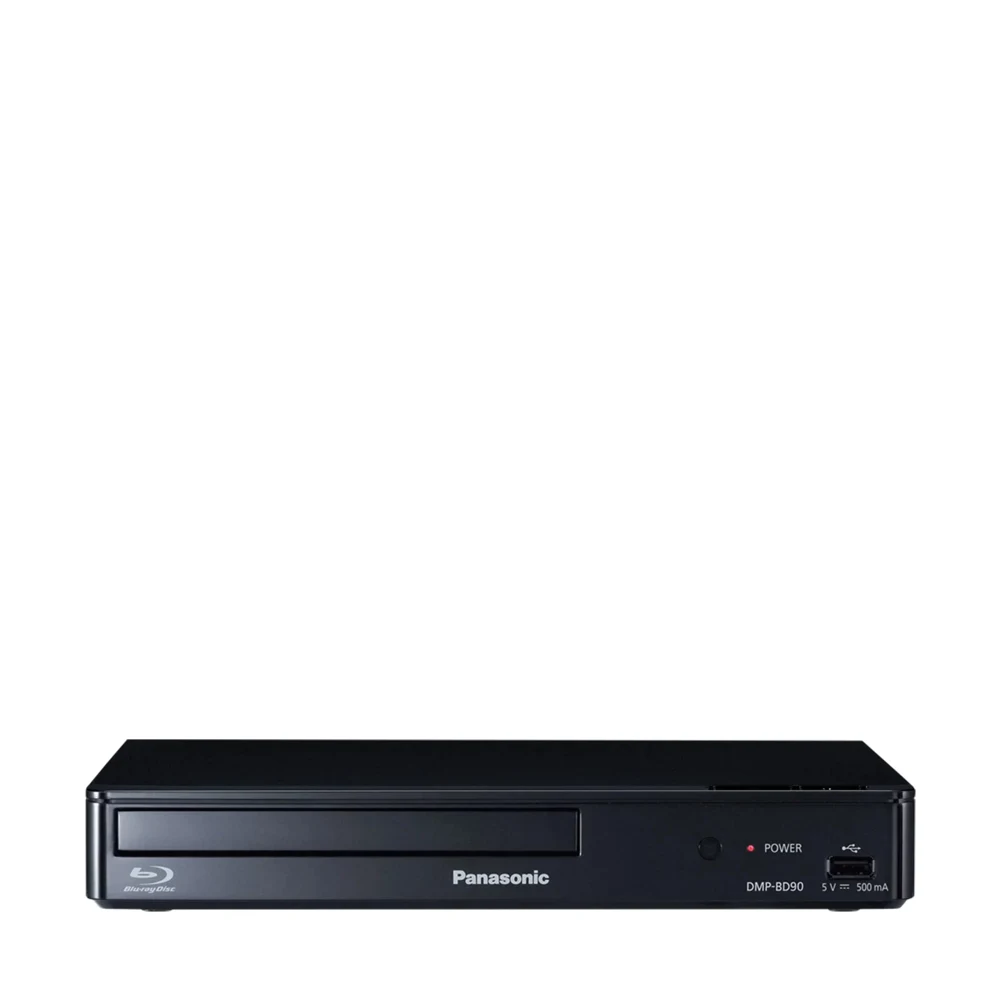
USB movie files
Blu-ray and DVD playback plus compatible files from USB storage
View Product DetailsKeep in mind: Does not play 4K Ultra HD Blu-ray discs
The DMP-BD90P-K combines disc playback with the USB formats Panasonic names on its own page. Those include MKV and MP4 video files and several audio-file types. It also upconverts standard DVDs to 1080p.
Choose it when moving between discs and a compatible USB drive is part of the job. The plain question to ask is whether your files match the manual. A filename ending in MP4 tells you the container; it does not by itself tell you every video or audio format inside it.
Panasonic also lists HDMI-CEC. This is the HDMI control system that lets compatible devices share some commands. It can help with a TV-and-player setup, but the available commands depend on the other equipment and its settings. Keep the supplied remote for commands the TV remote cannot send.
As with the Sony Full HD choice, do not buy this model for Ultra HD Blu-ray discs. Its fit here is DVD, ordinary Blu-ray and the files the maker lists. If your main goal is a larger 4K disc library, compare the different disc-player types first.
Pick it if: your viewing includes DVDs, Blu-ray and compatible USB files.
Pass if: you need a 4K disc drive or expect every downloaded file to work.
Read the format name printed on the disc, not just the size of its case. DVD, Blu-ray and Ultra HD Blu-ray are different formats. A claim such as “1080p DVD upscaling” describes the output, not a new kind of disc that the drive can read.
For example, a DVP-SR510H can resize a DVD picture for an HD TV. It still cannot open an ordinary Blu-ray disc. The BDP-S1700U can read that Blu-ray disc, but it cannot read an Ultra HD Blu-ray disc. Buying by the largest number on a shop page is an easy way to choose the wrong drive.
Check the sockets on the actual TV you will use. For these choices, HDMI is the main route to an HD screen. If the TV has only older analogue inputs, read both manuals before buying. A cheap passive plug adapter does not automatically turn one signal type into another.
Also check the cable path if a receiver sits between the player and the TV. The player sends its signal into the receiver; the receiver sends the picture onward. Start with a direct TV connection when you need to work out which device or setting is causing a problem.
Do not assume that playing a commercial US DVD proves a player will read every imported DVD. Region coding and recorded-disc formats need separate checks. Use the exact regional model manual, especially when a seller adds “all region” to the name.
Home-recorded discs add another variable. A player may list a writable disc type yet still need the disc recorded in a compatible format and closed correctly. If those discs form most of your collection, test representative examples within the seller's return terms. A broad format logo cannot describe every recording method.
A home DVD player depends on the TV for its picture. A portable adds its own screen and battery, which can make it useful away from that TV. Those are different buying jobs. Our best portable DVD player choices focus on screen size, power and wired AV use instead.
The best DVD player for a DVD-only collection on an HDMI TV is the DVP-SR510H. If ordinary Blu-ray joins that collection, move to the BDP-S1700U. The DMP-BD90P-K fits a setup that also uses compatible USB files. Before ordering, check the disc format and the TV input together. Those two checks decide more than an upscaling label does.
Yes, if you also own Blu-ray discs or plan to buy them. The BDP-S1700U and DMP-BD90P-K both play DVDs as well as Blu-ray. Match the exact model to your discs and TV inputs. A DVD-only unit still makes sense when you have no need for the extra format.
No. Upscaling resizes the DVD picture for an HD display; it does not add the detail of a Blu-ray master. A player can send a 1080p signal while reading a standard DVD. Judge the disc format and the output resolution as two separate things when you shop.
Use a suitable cable for the signal you plan to send. A High Speed HDMI cable is the normal starting point for 1080p playback. Check what the player includes before ordering a cable. A cable cannot give a DVD-only player the ability to read Blu-ray or Ultra HD discs.
A portable makes more sense when its built-in screen solves a real need. For a fixed TV, a home player keeps the setup simpler and lets you choose the TV connection directly. Portable AV sockets vary, so do not assume a model with a screen also has an HDMI output.